Canceling/Unjoining a Trade
If you have joined a trade and changed your mind, you may elect to unjoin at any time before the second wallet has joined.
If you have brokered a trade and changed your mind, you may elect to cancel it at any time before the second wallet has joined.
Trades You’ve Joined
To unjoin a trade you have joined:
-
Find the trade you want to unjoin on the Trades you’ve joined tab on your Profile and click anywhere on its trade tile to access its Trade Details modal.
-
Click Unjoin, Confirm on the Confirm Transactions modal, then sign the transaction with your connected wallet.
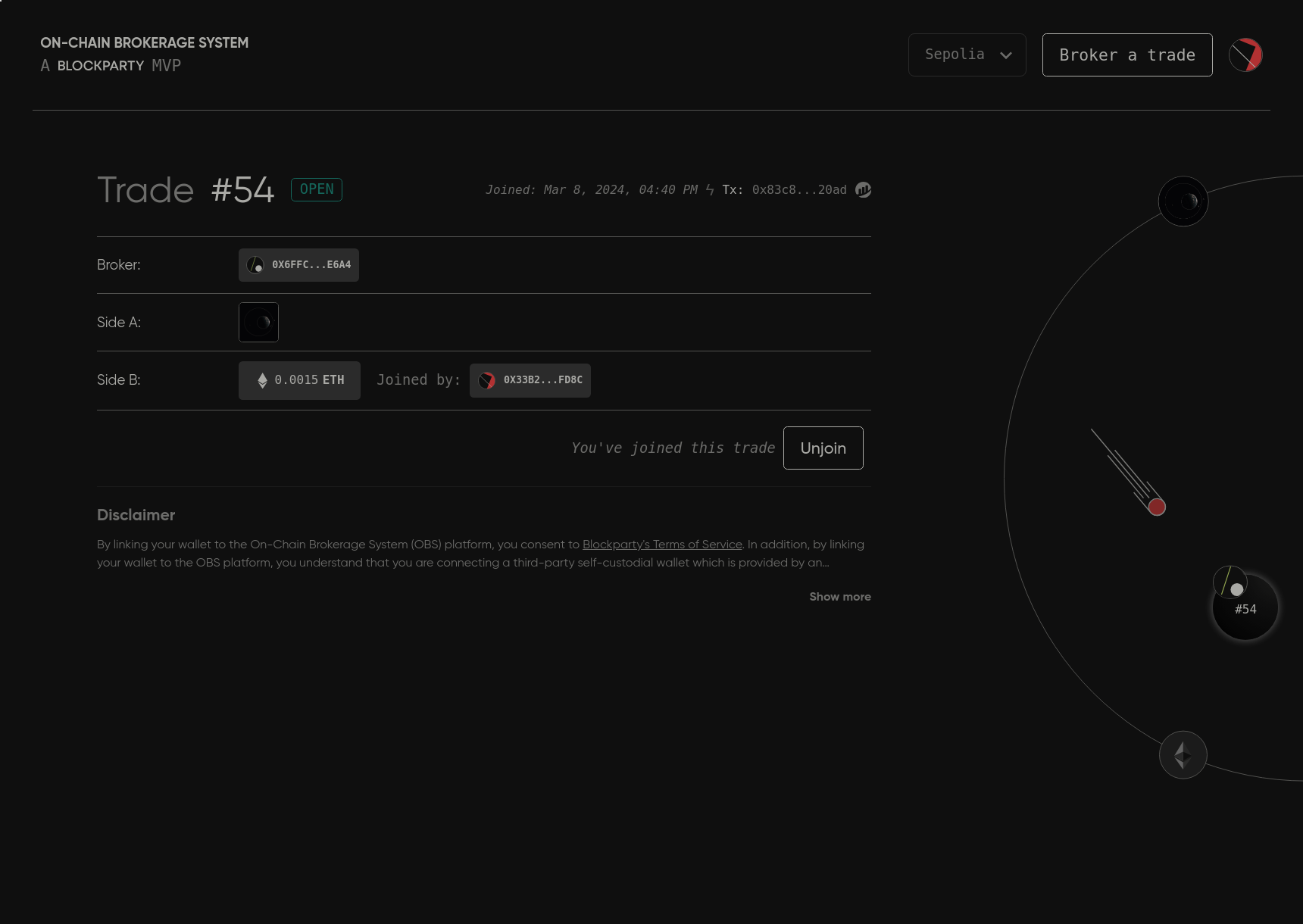
Any assets you placed into escrow when you joined the trade will be returned to your wallet or to your OBS balance to be manually withdrawn.
Your Trades
To cancel a trade you created as a broker:
-
Find the trade you want to cancel in the Your trades tab on your Profile and click anywhere on its trade tile to access its Trade Details modal.
-
Click Cancel Trade, Confirm on the Confirm Transactions modal, then sign the transaction with your connected wallet.
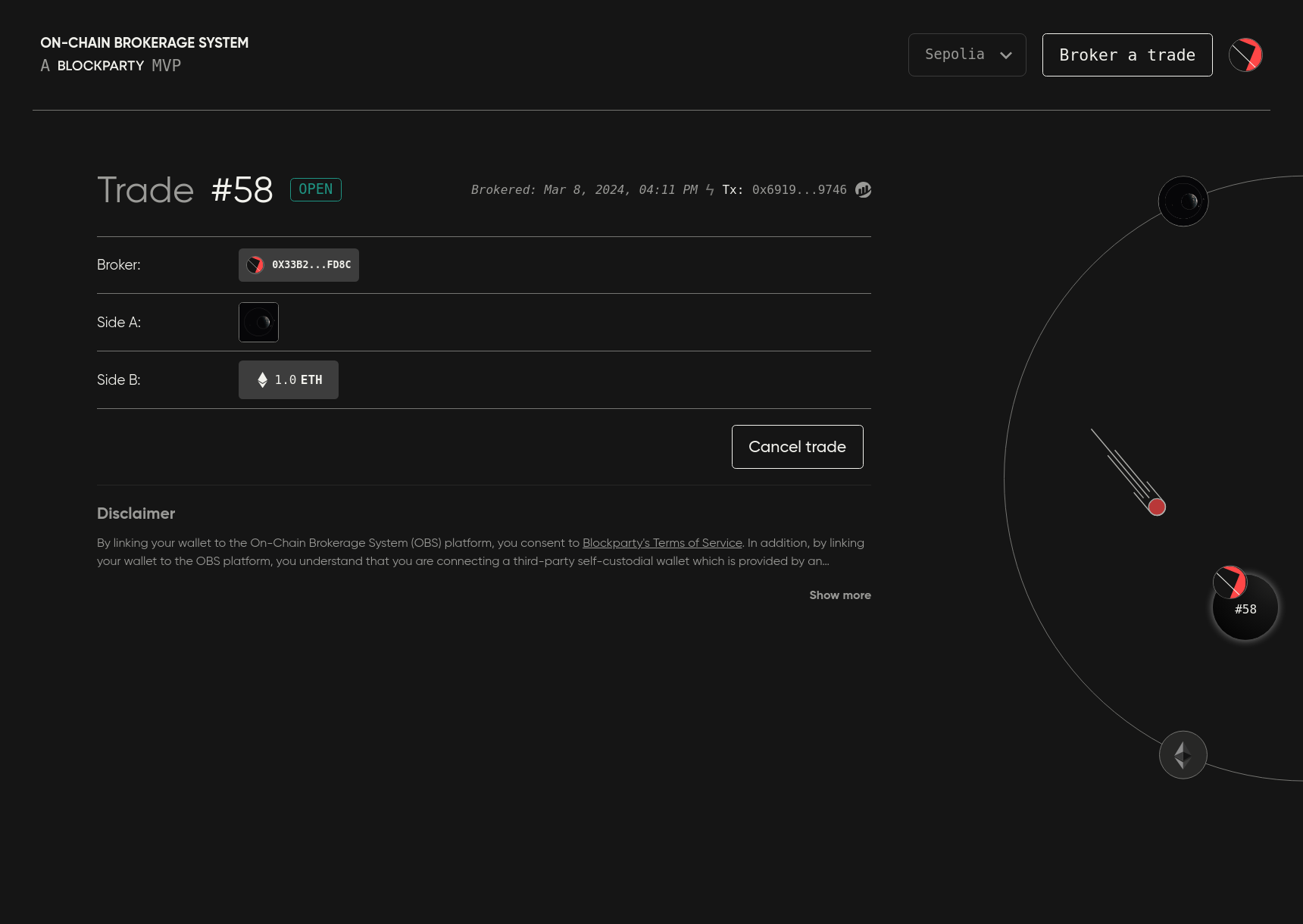
Any rebate you placed into decentralized escrow when you created the trade will be reflected in your OBS balance and can be manually withdrawn.