Trade Structure and Functionality
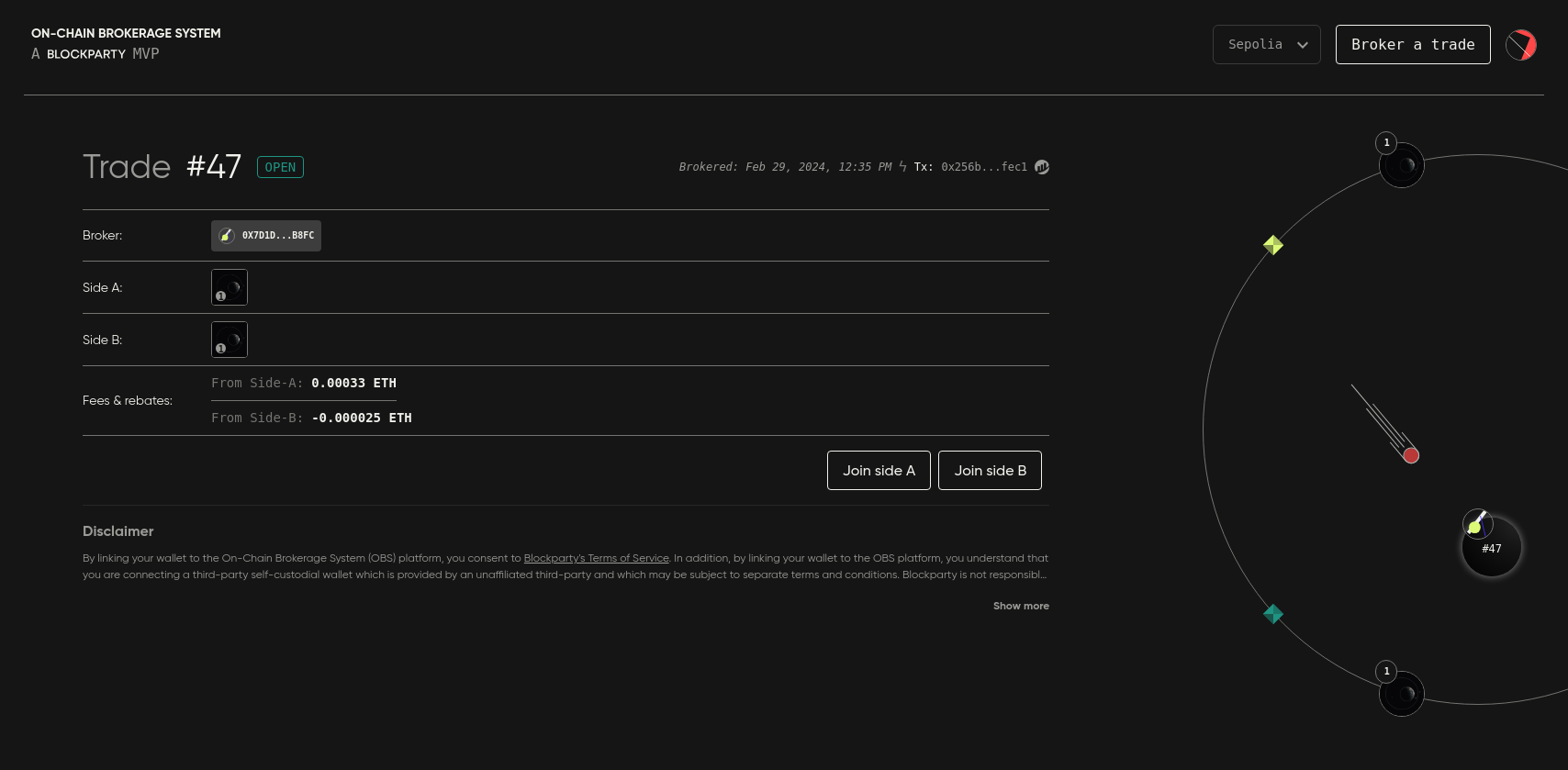
This page provides a general overview of OBS trade structure and functionality. All concepts are explored in greater detail elsewhere in this documentation.
Each brokered trade is numbered, has a unique URL, a broker, and consists of two "sides" and its parameters: Fees & Rebates, Expiration, and Exclusivity.
Each side of a trade can contain any quantity and combination of native currency, ERC-721s, ERC-1155s, and ERC-20s.
To join one side of a trade, a wallet must to possess all the assets specified on that side by the broker. Only one wallet can join each side of a trade.
To join a side of a trade, a wallet in possession of all the assets specified on a side of the trade must:
-
Connect to OBS.
-
Locate and click the trade via the Profile page to access its 'Trade Details' modal (also accessible via the trade’s unique URL).
-
Click the Join Side A/B button.
-
Sign a transaction to complete the joining process.
If the trade requires escrow, the first wallet to join the trade will be required to transfer its assets specified by the broker to OBS decentralized escrow.
If the broker specifies a fee for the side the first wallet is joining, that fee will be transferred into decentralized escrow at this time.
The trade will execute only when a wallet possessing all the assets required to join the other side of the trade completes the same process. Each wallet will have its assets transferred to the wallet on the other side of the trade and any fees and rebates will be directed to the appropriate party.
Now that you understand OBS general trade structure and functionality, the next section will guide you through the process of Brokering a Trade.