Get Started
When you first visit OBS, you will be greeted by our landing page and prompted to connect your wallet. OBS currently supports only browser injected wallets such as MetaMask.
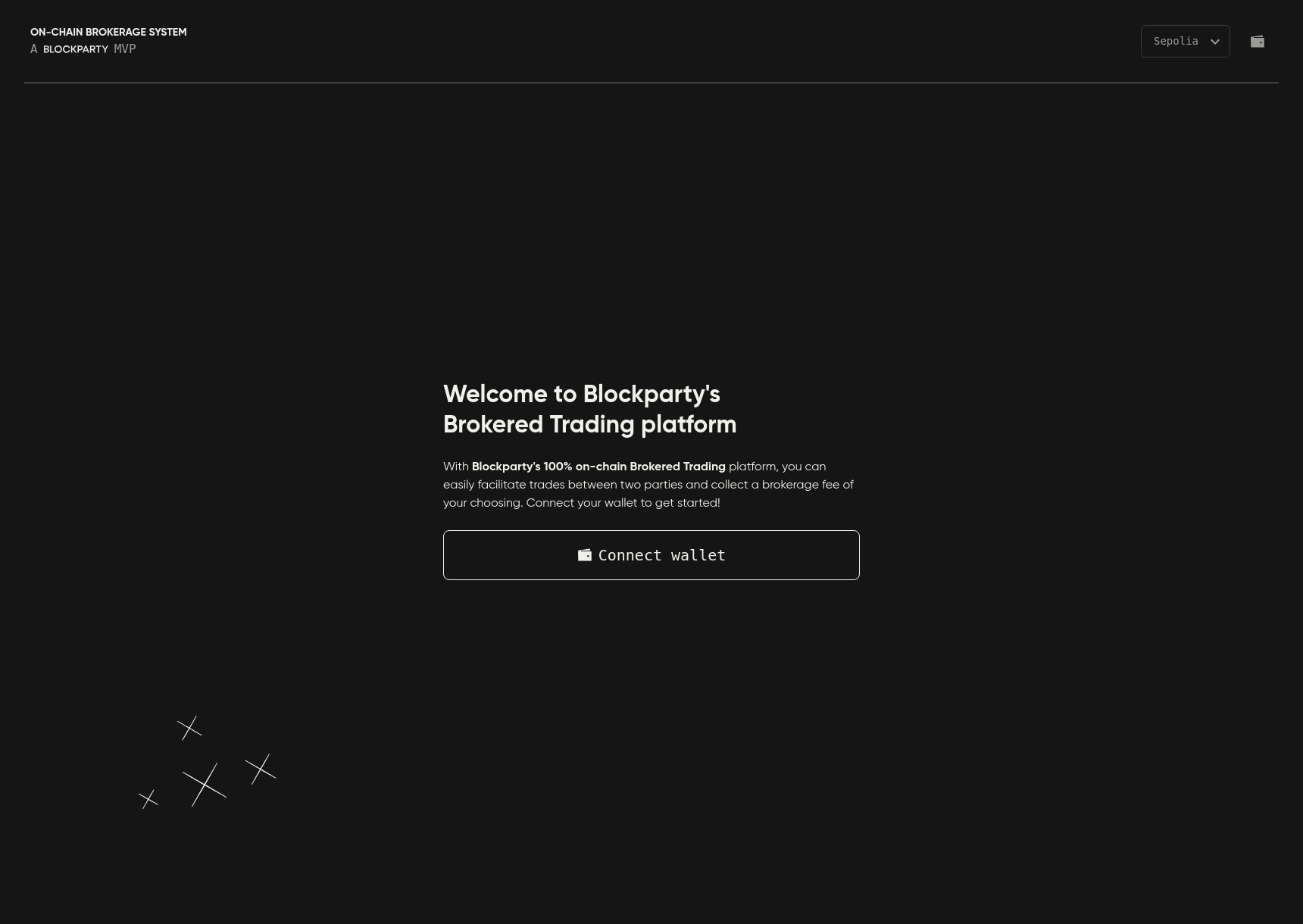
Figure 1. The BT landing page.
To connect your wallet to OBS:
-
Go to the landing page and click Connect Wallet.
-
Select your wallet of choice from the wallet selection menu (Figure 2).
-
Follow the wallet prompts to approve your connection to OBS.
-
You will be redirected to the landing page where you can start brokering trades (Figure 3).
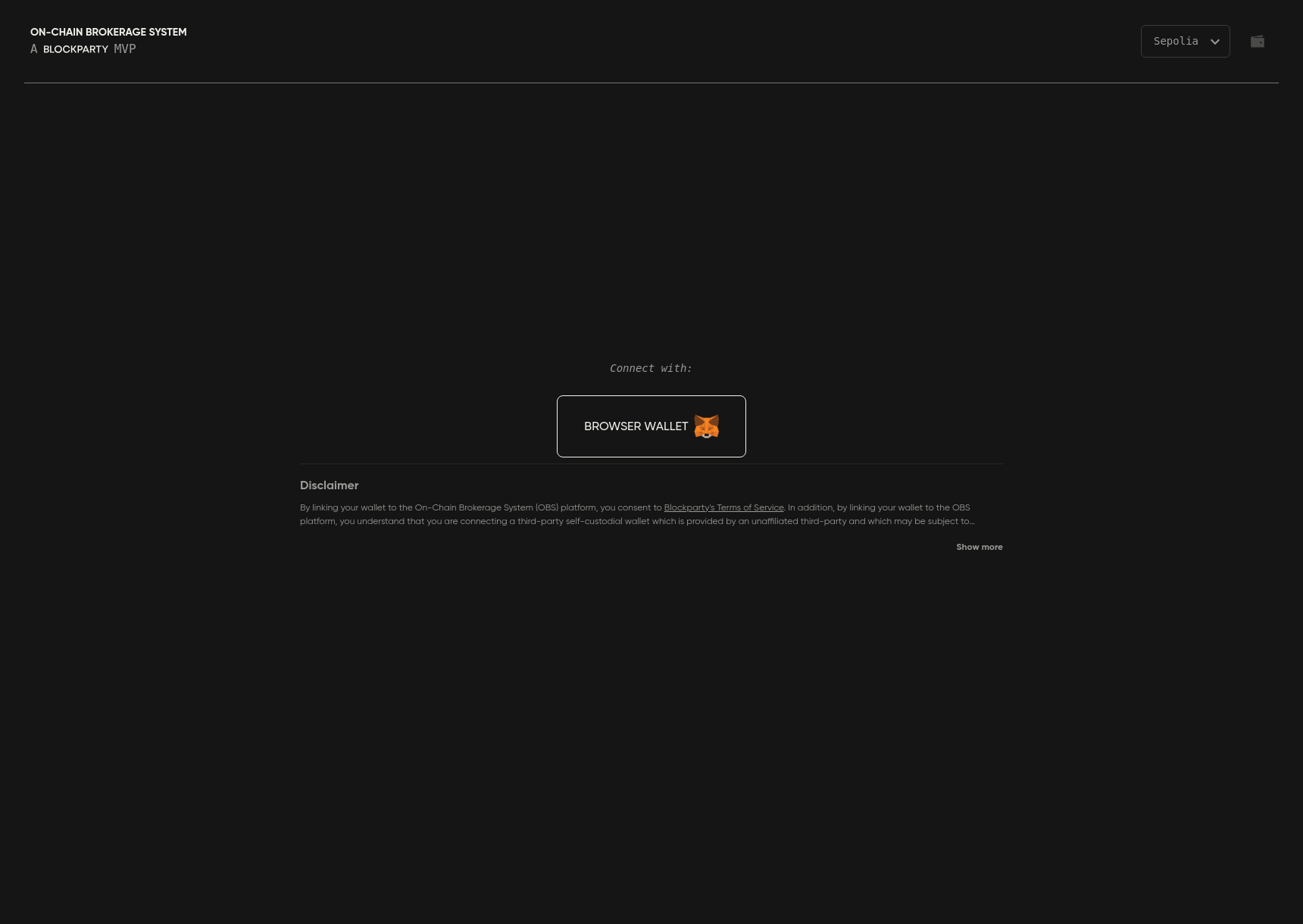
Figure 2. The wallet selection menu.
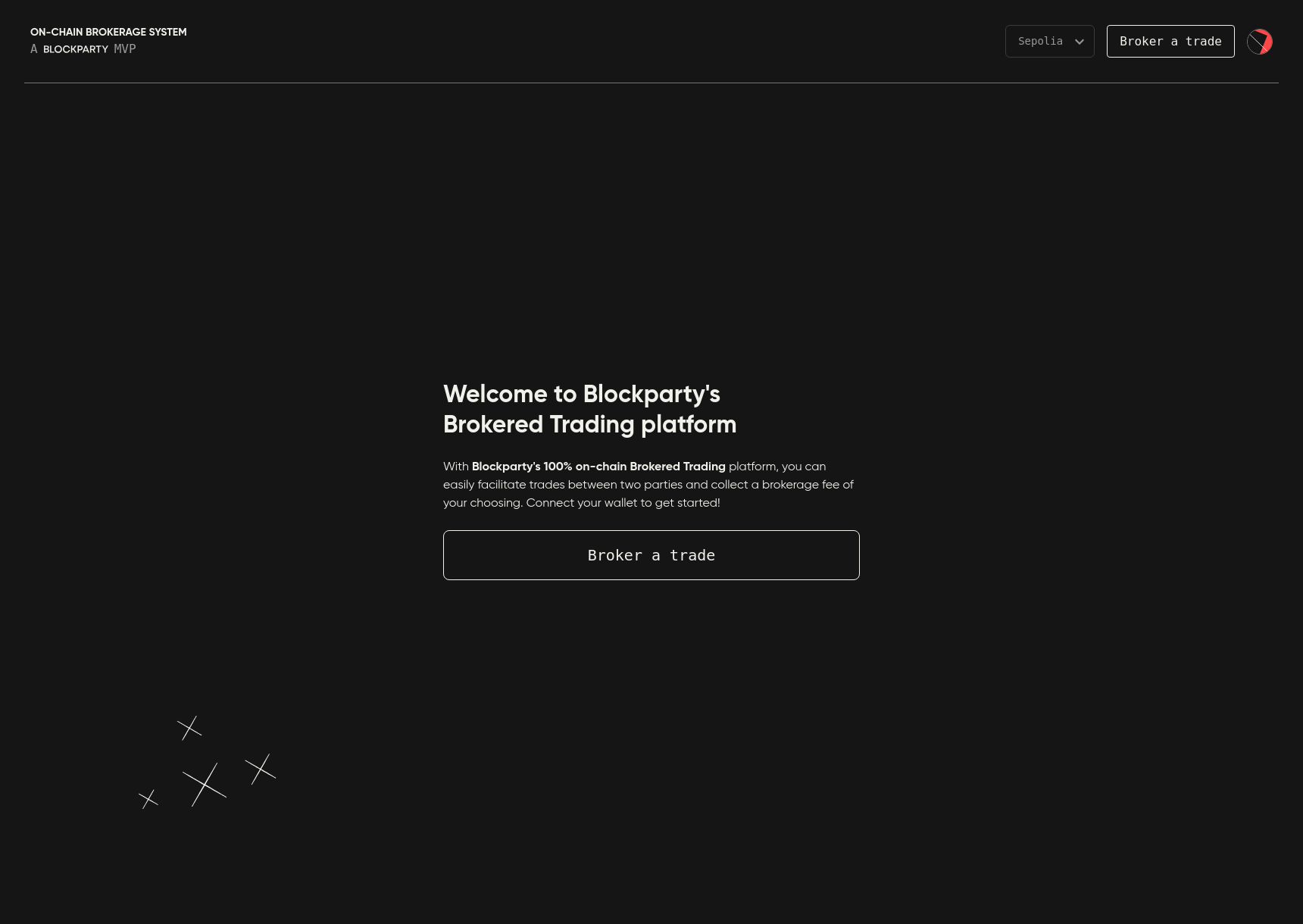
Figure 3. The landing page after connecting your wallet.
Head to the next section to learn about Trade Structure & Functionality.